Equipment
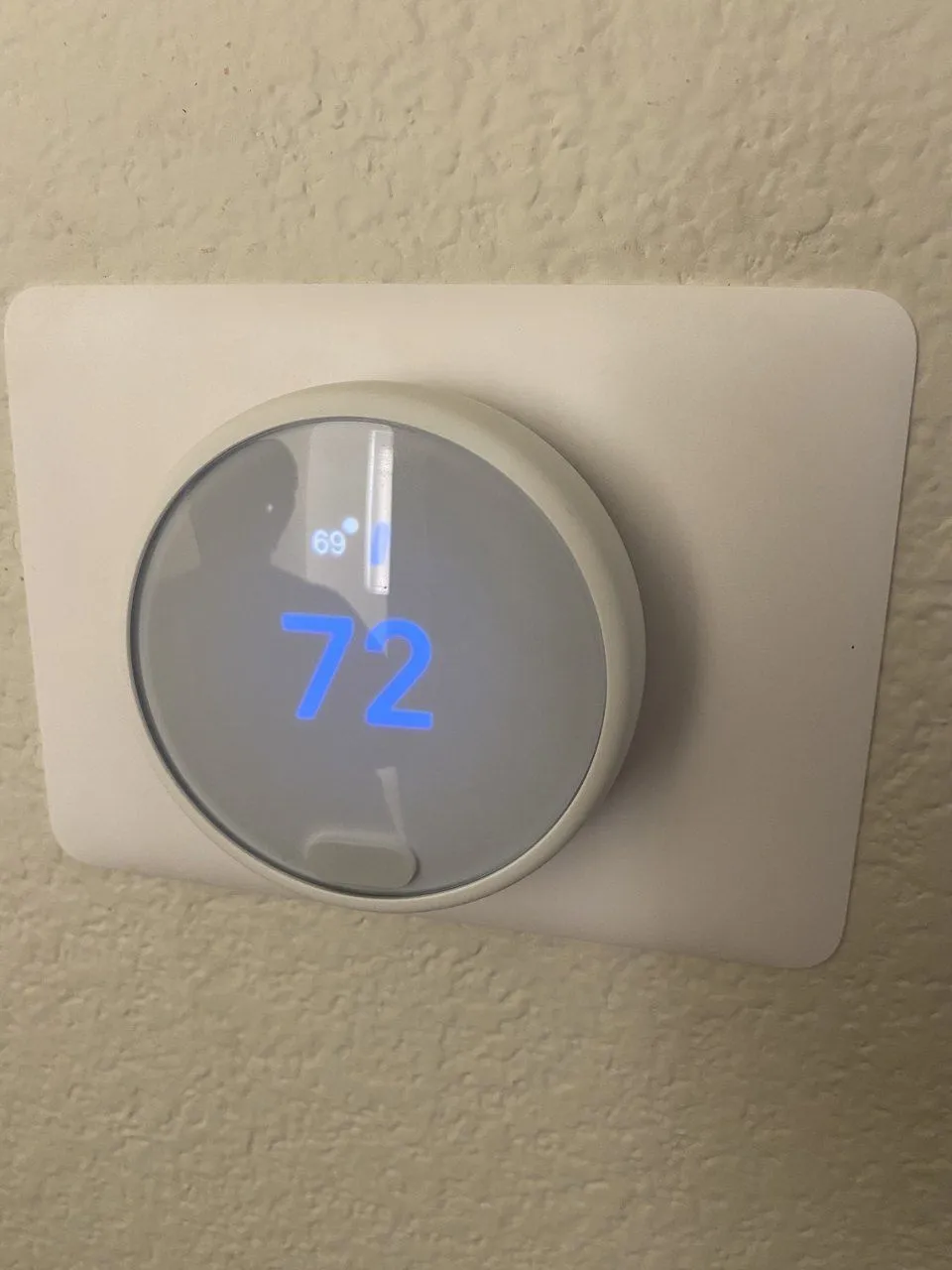
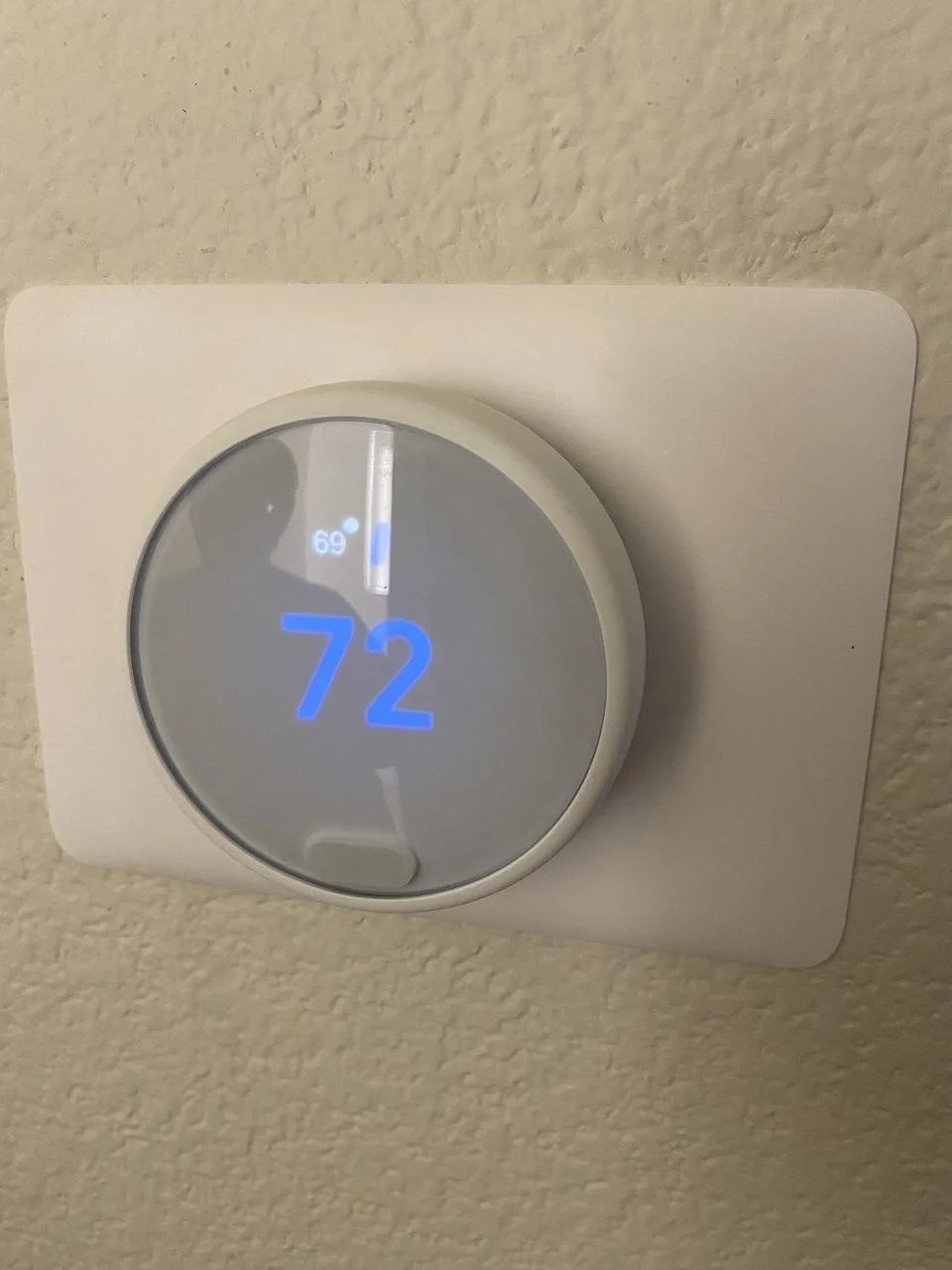
- Google Nest thermostat on a heating and cooling system
Google Nest thermostat replacement in Hayward
Problem: The Google Nest thermostat in this Hayward home showed a W5 error, which is Nest’s Wi-Fi error. It couldn’t connect to the home’s network. It had been restarted several times, and the error stayed.
Diagnostics: On the first visit our technician saw the same W5 error, and a restart didn’t clear it. The home has a second Nest thermostat of the same kind. That one connected to the same Wi-Fi network without any trouble. That pointed to the thermostat itself, most likely its built-in Wi-Fi module.
Solution: A week later we came back and replaced it with a new Google Nest thermostat. The wiring at the base was a plain heating and cooling setup: R, C, G, Y1 and W1, with no heat pump wire on O/B. The new Nest finished its setup and showed “Your thermostat is now configured for your system.”
Result: The new Nest is on the wall and set up for this system. If your Nest shows W5, restart your router first, then the thermostat. If you have a second Nest at home, see whether it gets online. When the other one connects and this one still can’t, the thermostat is the likely problem. We replace thermostats in Hayward and across the East Bay.
Photos